Introducing: hosts.click Website Crawler (SEO Analyzer)
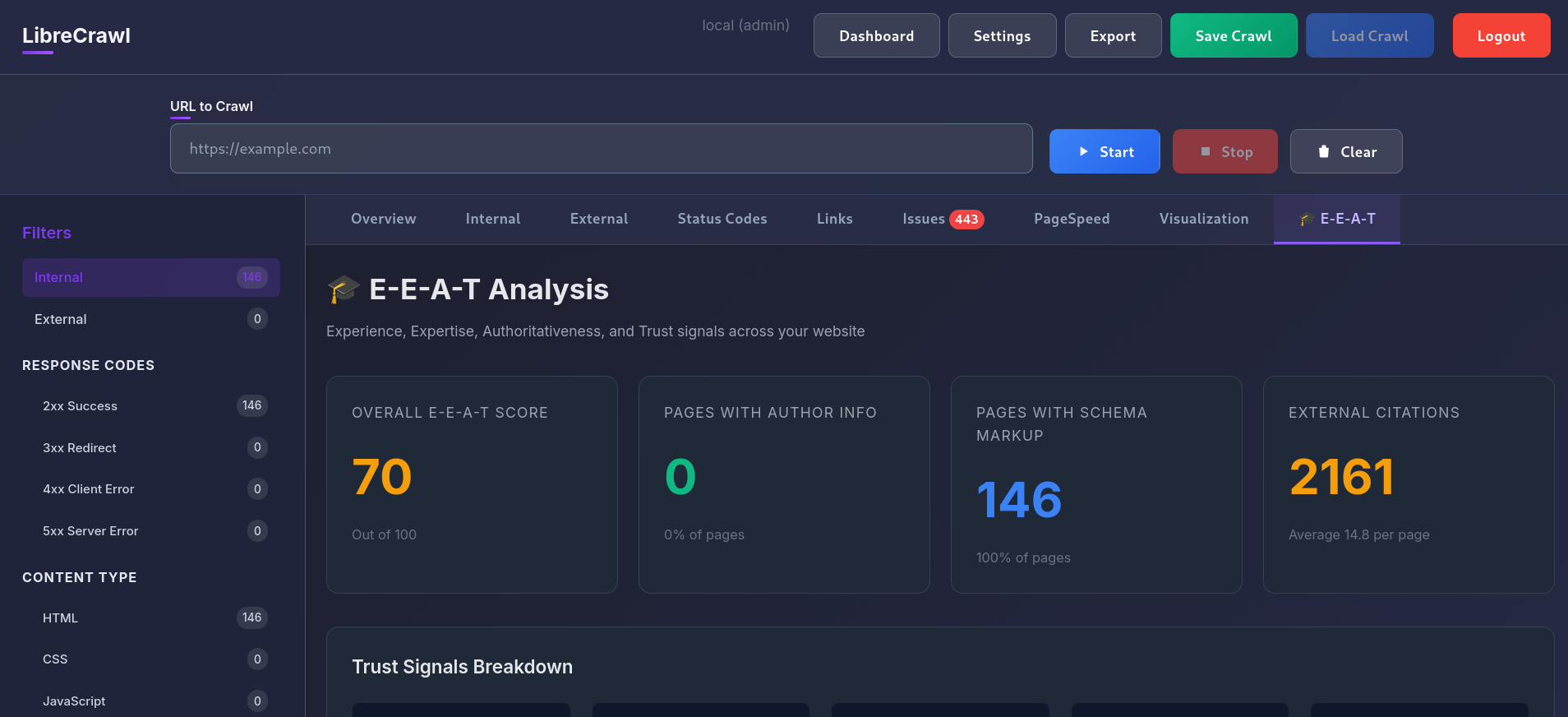
We are excited to introduce a major new feature inside hosts.click: the hosts.click Website Crawler.
Test the new server before you change DNS. Open the free preview tool
This new tool gives you a full technical SEO scan of your website, similar to tools like Screaming Frog, directly inside your dashboard.
It crawls your site the way a search engine does and turns that data into clear, actionable insights.
What the Website Crawler Does
The crawler analyzes your site structure and detects the technical issues that most often impact rankings and user experience:
- Broken links (404 / 500 errors): Find internal and external links that damage SEO and frustrate users.
- Duplicate and near-duplicate content: Identify pages that compete with each other and weaken search visibility.
- Missing or weak metadata: Instantly see which URLs are missing meta titles, meta descriptions, H1 headings, and canonical tags.
- Site structure and internal linking: Understand crawl depth, redirect chains, orphan pages, and URL structure.
- Crawl and performance signals: Collect structural data that affects indexability, crawl efficiency, and overall user experience.
Typical Workflow
Launching a new site on a preview link?
- Run a full crawl.
- Fix broken links and error pages.
- Resolve duplicate content.
- Optimize missing metadata.
- Improve internal linking.
- Re-crawl and verify.
Then deploy to production with confidence.
Now Live in hosts.click PRO
The Website Crawler is now available inside your dashboard.
Run your first crawl today and uncover the technical issues search engines see, before they affect your rankings.
Explore hosts.click Pro and start analyzing
More tools are coming soon, and if there is one you would like to see inside hosts.click, let us know.
Thank you to LibreCrawl for helping make this possible.
Improve Preview Workflows
Use these focused guides for DNS previews and control panel integrations.
Preview Website Before DNS Changes
Step-by-step workflow for testing on the new server before you switch DNS.
Preview website before DNS changescPanel Preview URL Plugin
Install script, usage steps, and troubleshooting for cPanel-based previews.
cPanel preview URL plugin guideDirectAdmin Preview URL Plugin
Integrate preview links directly in DirectAdmin with one install command.
DirectAdmin preview URL plugin guide